In converstion dialog:
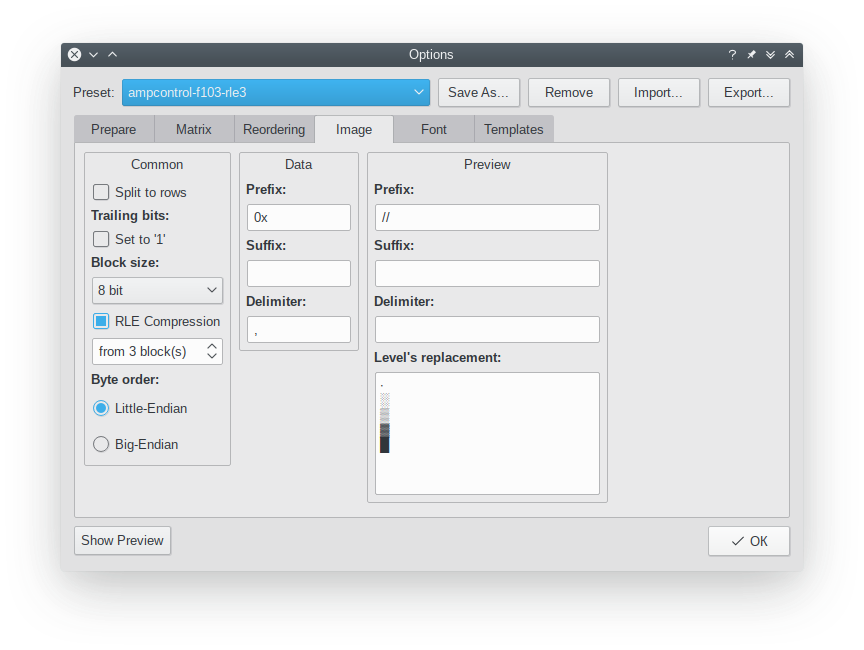
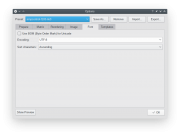
- On the "image" tab Import conversion-config-ampcontrol-f103-rle3.xml preset
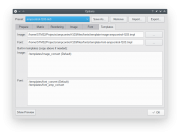
- On the last "templates" tab select template-font-ampcontrol-f103.tmpl
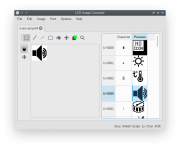
Also, don't work with separate "icons", work with "fonts". All icons are collected to icons set (like fonts). Just open existing icons-amp-64.xml icon set to see how it's done.
If you import everything OK, you should have something like:
- On the "image" tab Import conversion-config-ampcontrol-f103-rle3.xml preset
- On the last "templates" tab select template-font-ampcontrol-f103.tmpl
Also, don't work with separate "icons", work with "fonts". All icons are collected to icons set (like fonts). Just open existing icons-amp-64.xml icon set to see how it's done.
If you import everything OK, you should have something like: